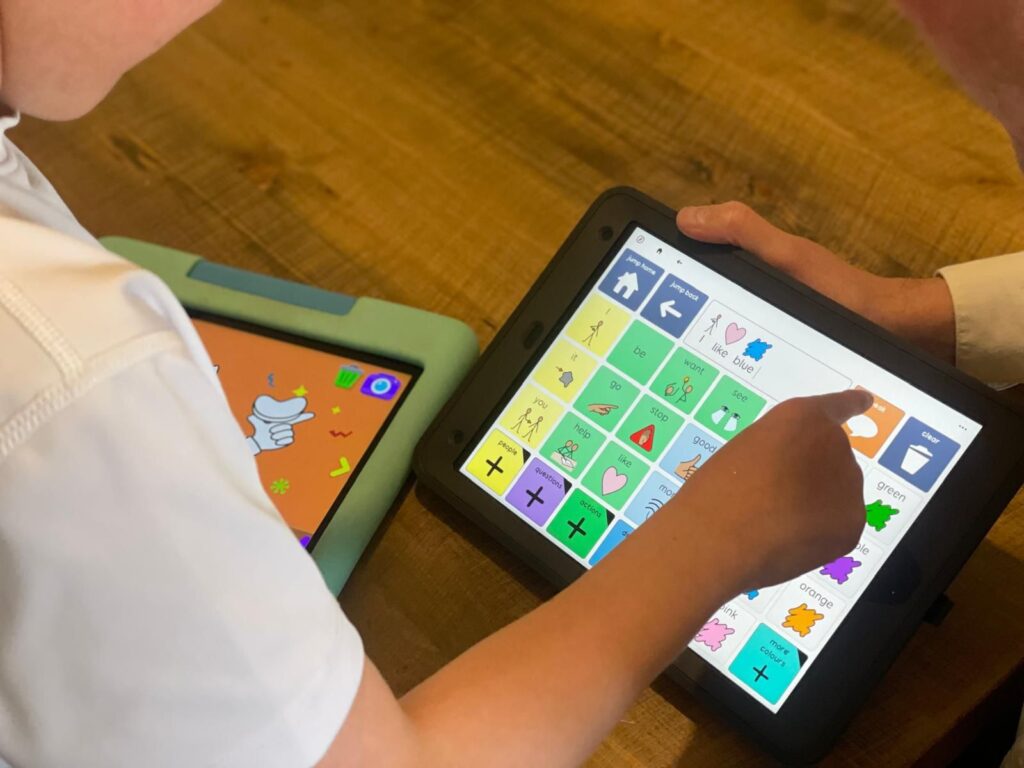

Last week I was asked to adapt a remote-control toy so that a child could operate it using eye gaze. The toy was a Power Puppy, a small robotic dog with a remote control that lets it perform different tricks at the press of a button, including push-ups and handstands.
I have known about the infrared functions on the Grid Pad for a while, although I had only used them for typical environmental control tasks such as changing the channel or adjusting the volume. This project offered something much more exciting. It was a chance to use infrared for play.
The setup was straightforward. I used a Grid Pad 13 with a Vida eye gaze camera. I prefer to connect a wireless mouse and keyboard while programming, although this is optional. You do need to work on the device itself because the infrared learner cannot be accessed remotely.
In Grid 3, I created a new blank grid set. I clicked on a cell, opened the Create Cell menu on the left, and chose ‘Create Cell’. In the search bar, I typed ‘infrared’. The software then prompted me to line up the remote control and hold down the button I wanted to programme. It walked me through the process step by step, including repeating the command for accuracy.
Once a command was learned, I customised each cell further. For Power Puppy, I added a ‘Write’ function before the infrared action. This meant that when a cell was selected, a written command appeared first (which provides voice output), followed by the dog performing the action. This gave the impression of giving a spoken instruction and seeing the toy respond.
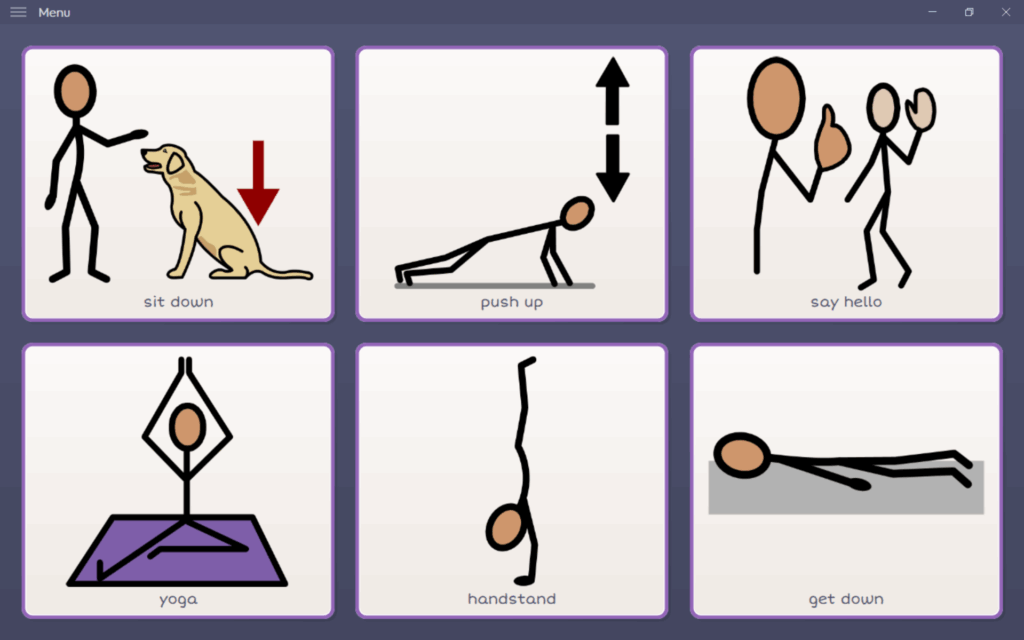
After programming, I designed a simple six-cell layout to provide clear choices and easy access for the child.
Activities like this offer far more than a fun moment with a robotic dog. They are rich learning opportunities. They allow practice with eye gaze skills such as dwell time and intentional selection. They can support vocabulary development, symbol recognition and functional language. Most importantly, they offer an instantly responsive communication partner, which is hugely motivating for children learning to use AAC.
Have you used infrared for playful activities with your child? I’d love to hear what you created and how your learner responded.